

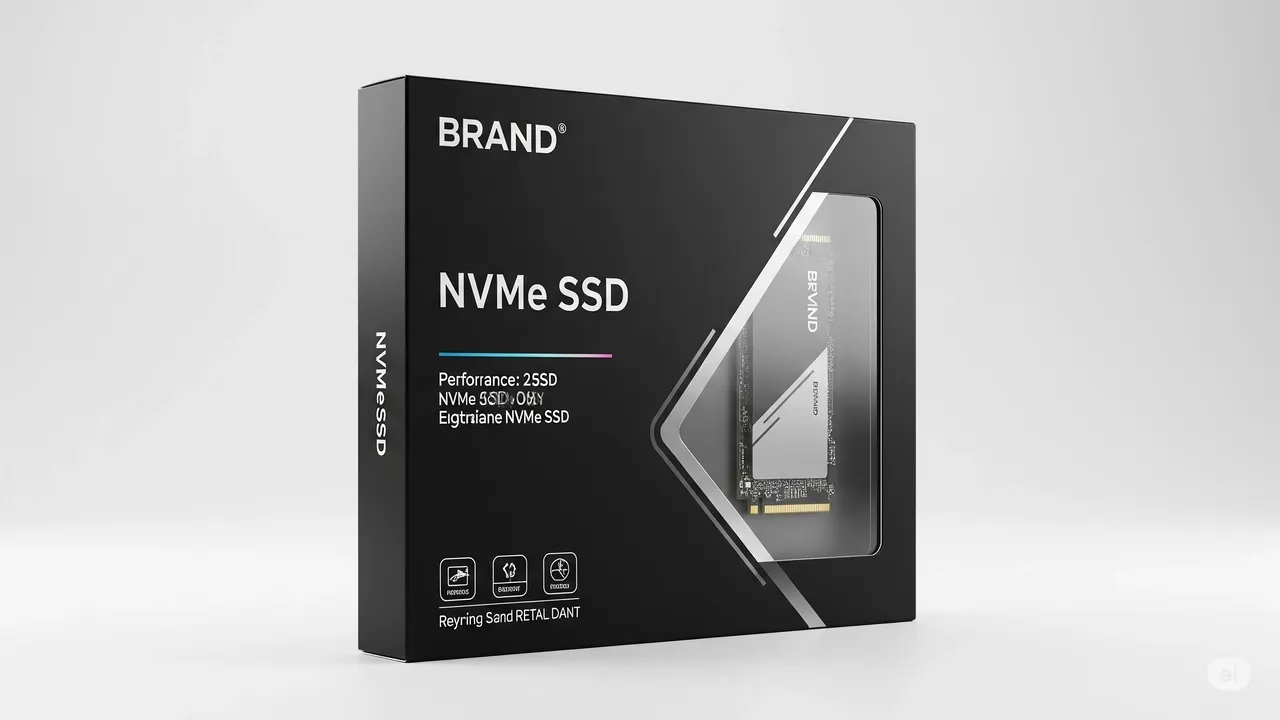
In the ever-evolving landscape of computer technology, few upgrades deliver as dramatic a performance boost as moving from a traditional hard disk drive (HDD) to solid-state storage. However, as consumers dive into the specs of new laptops or desktops, they encounter a confusing lexicon: SATA SSD, NVMe, M.2, PCIe. Often simplified to “SSD vs. NVMe,” this comparison is actually a case of category versus interface. Understanding the distinction is key to making an informed decision for your next upgrade or purchase. This article will demystify the terms, explore the technological underpinnings, and help you choose the right storage for your needs.
The Foundation: What is an SSD?
First, let’s define the broad category. A Solid-State Drive (SSD) is a type of non-volatile storage device that stores persistent data on flash memory—the same technology found in USB thumb drives and smartphone storage, but vastly more sophisticated and durable. Unlike an HDD, which uses spinning magnetic platters and a mechanical read/write head, an SSD has no moving parts. This fundamental difference yields immense benefits: faster data access, silent operation, better shock resistance, and lower power consumption.
The critical point here is that “SSD” describes the storage medium (flash memory). It does not dictate how that drive connects to your computer’s motherboard. This is where the interface comes into play.
Enter the Interface: SATA vs. NVMe
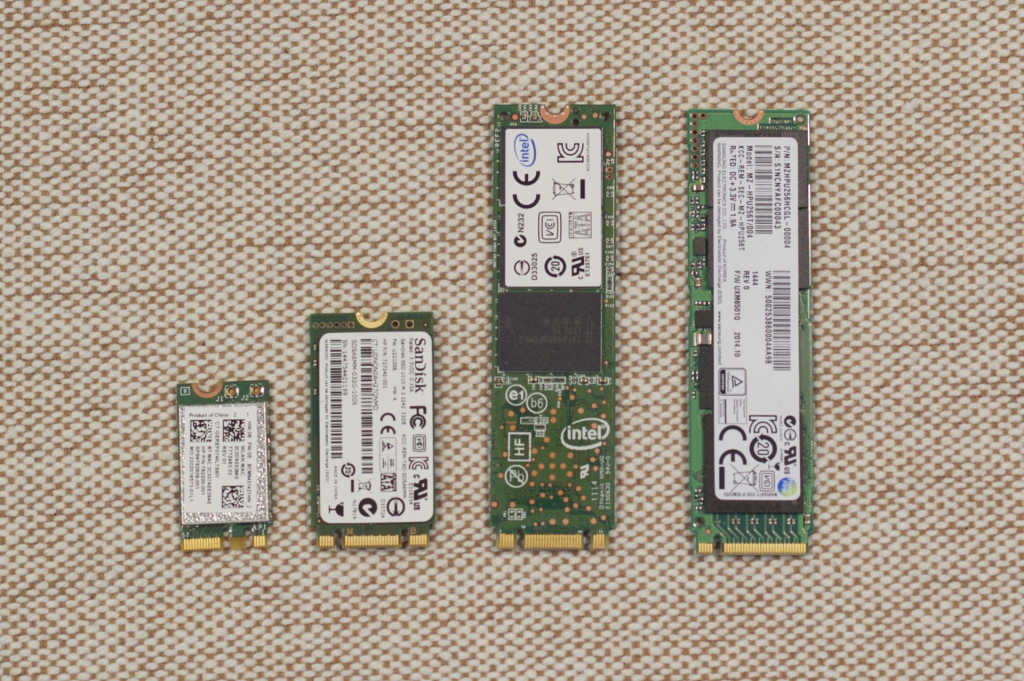
To communicate with the rest of the system, every storage drive needs a language (protocol) and a physical connection (interface). For over a decade, the dominant standard was SATA (Serial ATA). SATA was originally designed for much slower HDDs. While SATA SSDs represented a quantum leap over HDDs, they were bottlenecked by the limitations of the SATA 3.0 interface, which has a maximum theoretical bandwidth of about 600 megabytes per second (MB/s). Real-world speeds for top SATA SSDs typically cap around 550 MB/s.
This is where NVMe enters the scene. NVMe (Non-Volatile Memory Express) is not a type of drive; it is a modern communication protocol specifically designed from the ground up for high-speed flash storage. Instead of using the older SATA protocol, which was adapted from hard drive technology, NVMe is built to leverage the incredibly fast PCI Express (PCIe) bus—the same high-speed highway used by your graphics card and other critical components.
Think of it this way: If data were vehicles, a SATA SSD would be a sports car forced to travel on a narrow, winding country road (the SATA interface). An NVMe SSD is that same (or better) sports car unleashed on a multi-lane autobahn (the PCIe bus). The car’s engine (the flash memory) can now perform to its full potential.
The Physical Form Factor: M.2 and Beyond
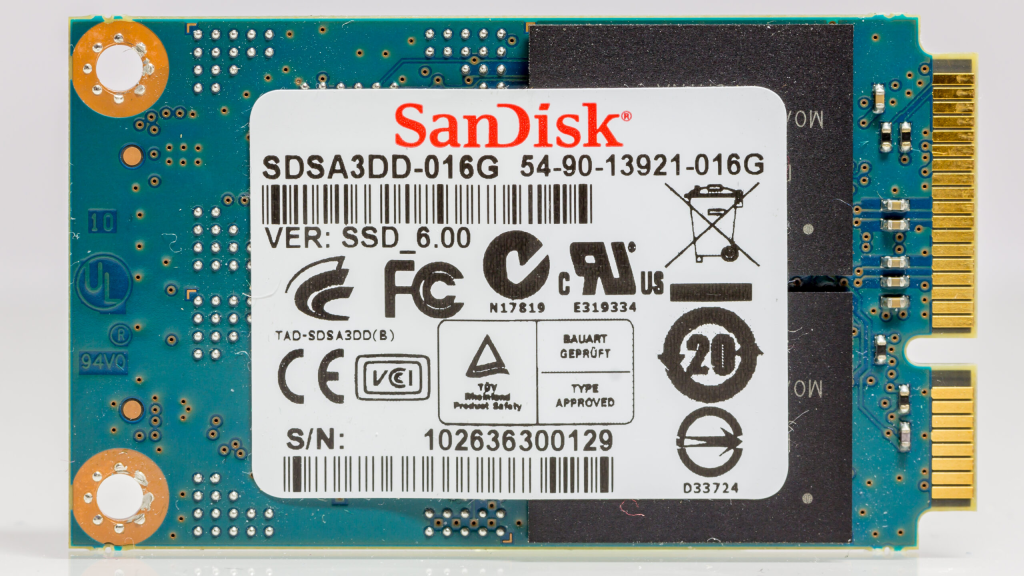
The NVMe protocol is often associated with the M.2 form factor—a small, gumstick-shaped card that plugs directly into the motherboard, eliminating the need for power and data cables. This compact size is a major reason for its popularity in thin laptops and small-form-factor PCs.
However, it’s crucial to avoid conflating these terms:
- M.2 is a form factor. It can house either a SATA SSD (using the older AHCI protocol) or an NVMe SSD.
- NVMe is a protocol. It can be used on an M.2 slot (over PCIe) or even on a card that plugs into a full-size PCIe slot.
Most modern M.2 slots support both SATA and NVMe protocols, but you must check your motherboard’s manual to confirm compatibility. Installing an NVMe drive into a slot that only supports SATA will not work, and vice-versa.
Performance: Where the Rubber Meets the Road
The theoretical differences translate into staggering real-world performance gaps.
- Sequential Read/Write Speeds: This measures transferring large, contiguous files (like a 4K movie or a game install). A SATA SSD maxes out near 550 MB/s. A current-generation NVMe SSD using a PCIe 4.0 x4 interface can achieve speeds over 7,000 MB/s—over 12 times faster. PCIe 5.0 drives are now pushing 12,000 MB/s and beyond.
- Random Read/Write Speeds & IOPS: This is arguably more important for everyday feel and productivity. It measures how quickly the drive can access small, scattered pieces of data—exactly what happens when your operating system boots, an application loads, or a game loads a new level. NVMe drives, with their massively parallel architecture and low latency, absolutely dwarf SATA SSDs in this metric, offering hundreds of thousands more Input/Output Operations Per Second (IOPS). This results in a snappier, more responsive system overall.
Practical Implications: Do You Need NVMe?
For the average user performing web browsing, office work, and media consumption, a SATA SSD already provides a transformative experience compared to an HDD. The jump from HDD to SATA SSD is far more perceptible than the jump from SATA SSD to NVMe for these tasks.
However, NVMe shines in specific, demanding scenarios:
- Content Creation & Professionals: Video editors working with 4K/8K footage, 3D modelers, data scientists, and engineers moving massive datasets will save significant time.
- Hardcore Gamers: While game load times see diminishing returns past SATA, new technologies like Microsoft’s DirectStorage (on both Windows PCs and Xbox Series X/S) are designed to leverage NVMe speeds. This allows games to stream assets from the SSD directly to the GPU almost instantaneously, enabling richer, more detailed worlds with fewer pop-in textures.
- High-Performance Computing & Servers: Any environment where latency and massive throughput are critical.
Choosing What’s Right For You
When deciding, consider these points:
- Motherboard Compatibility: This is the first check. Does your system have an M.2 slot? If so, does it support NVMe (PCIe) or just SATA? Older systems may only accept 2.5-inch SATA SSDs.
- Use Case: Are you a general user or a power user with specific performance demands?
- Budget & Value: SATA SSDs still offer excellent performance per dollar for capacity. NVMe prices have fallen dramatically and are often nearly identical to their SATA counterparts, making them the default choice for new builds. For expanding storage in an older system, a 2.5-inch SATA SSD is often the most practical and cost-effective upgrade path.
Conclusion: Not “Vs.,” But Evolution
The comparison isn’t truly “SSD vs. NVMe.” It’s SATA SSD vs. NVMe SSD—a battle between an older, adapted interface and a modern, purpose-built one. NVMe represents the current pinnacle of consumer storage technology, fully unleashing the potential of flash memory. While not everyone needs its extreme speed today, it is undoubtedly the future and the standard for new systems.
For any new computer purchase or build, an NVMe SSD should be the default choice, provided the system supports it. It delivers the fastest possible experience and is best equipped for next-generation software. For breathing new life into an older machine, a SATA SSD remains a phenomenal upgrade. In the race for speed, both are winners—just on different parts of the track.